One press, logged.
The Orzio Shortcut.
Hold the Action Button, point at your plate, done. The verdict lands in Telegram seconds later.
Coming from Google? Start with the bot first.
- 1Get your link from the botI offer the shortcut after your third logged meal, with your secret inside the link. Missed that message? Settings → Shortcut secret issues a fresh one anytime.
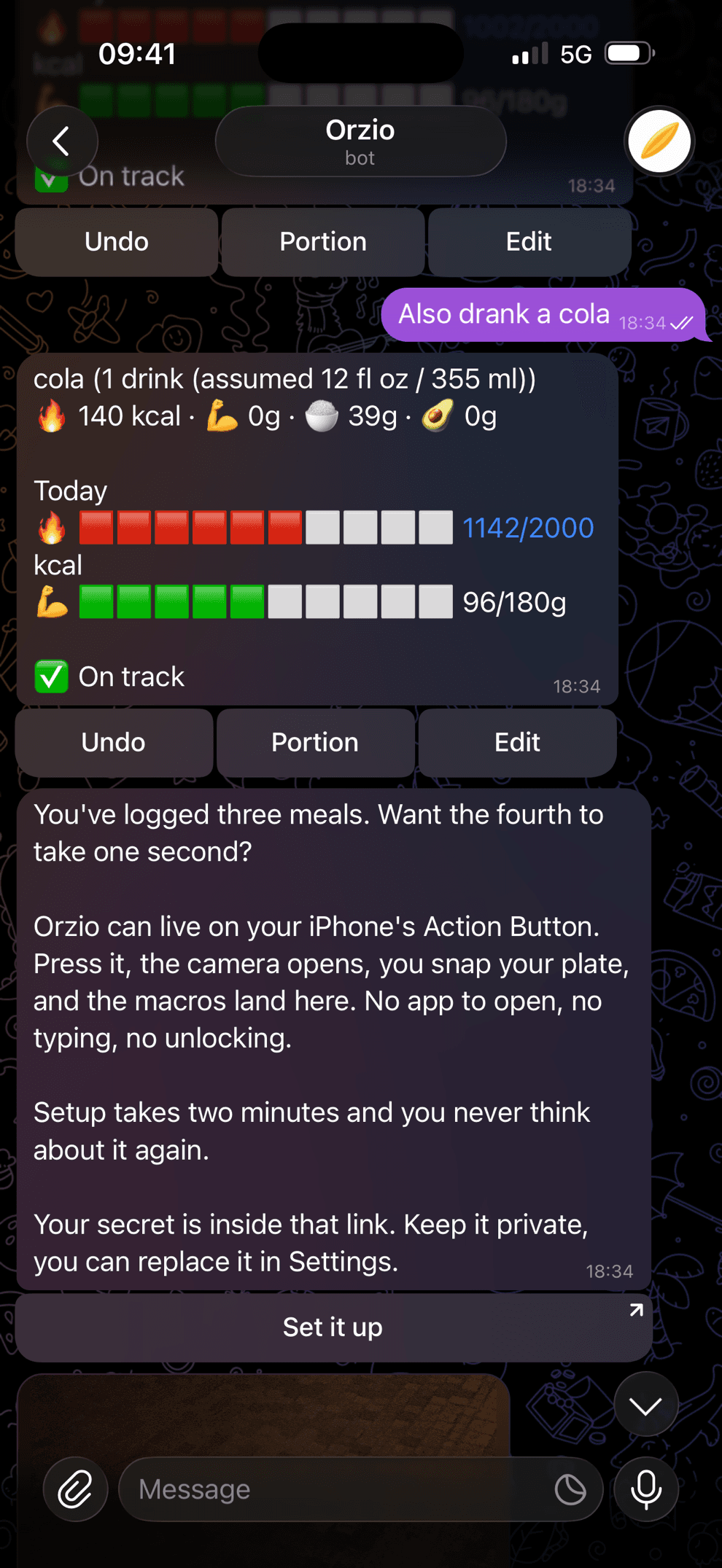
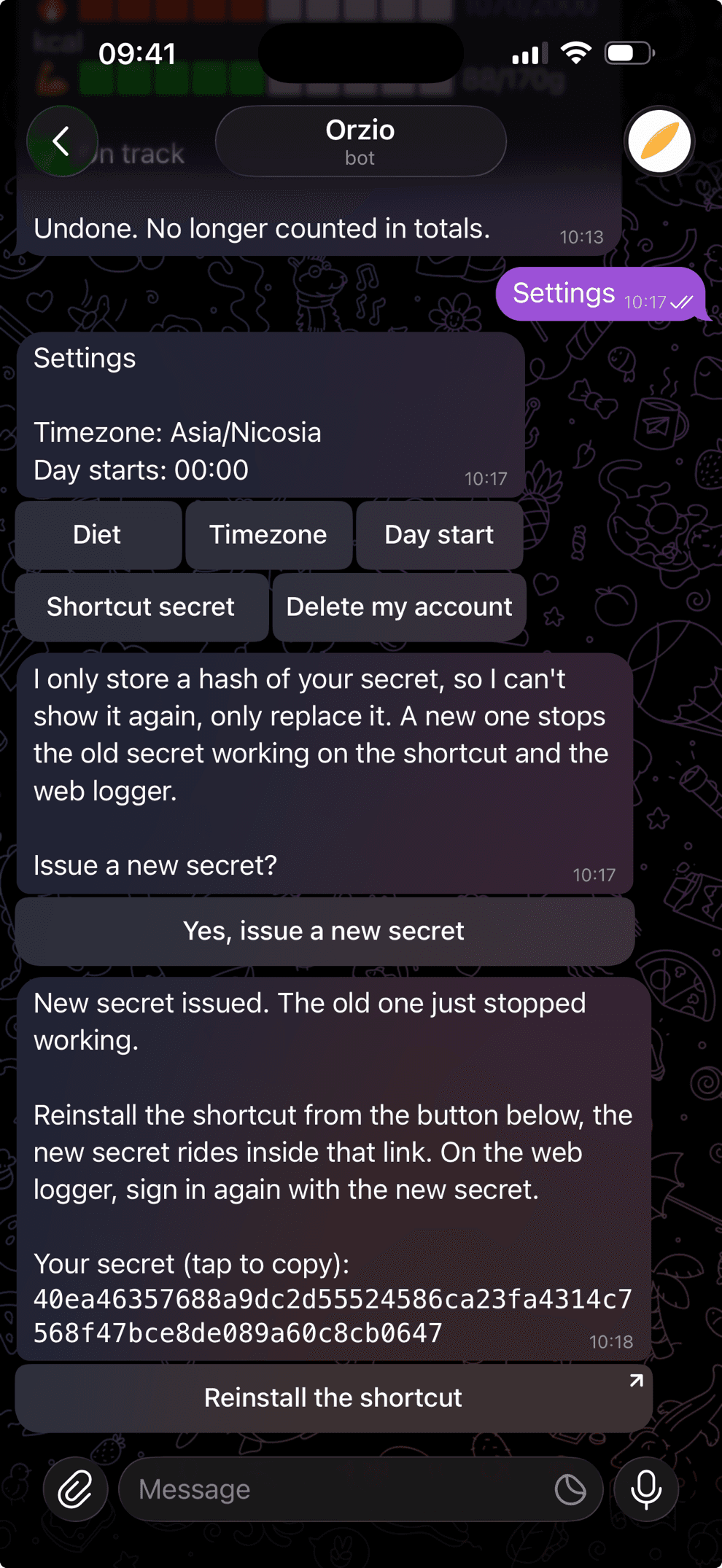
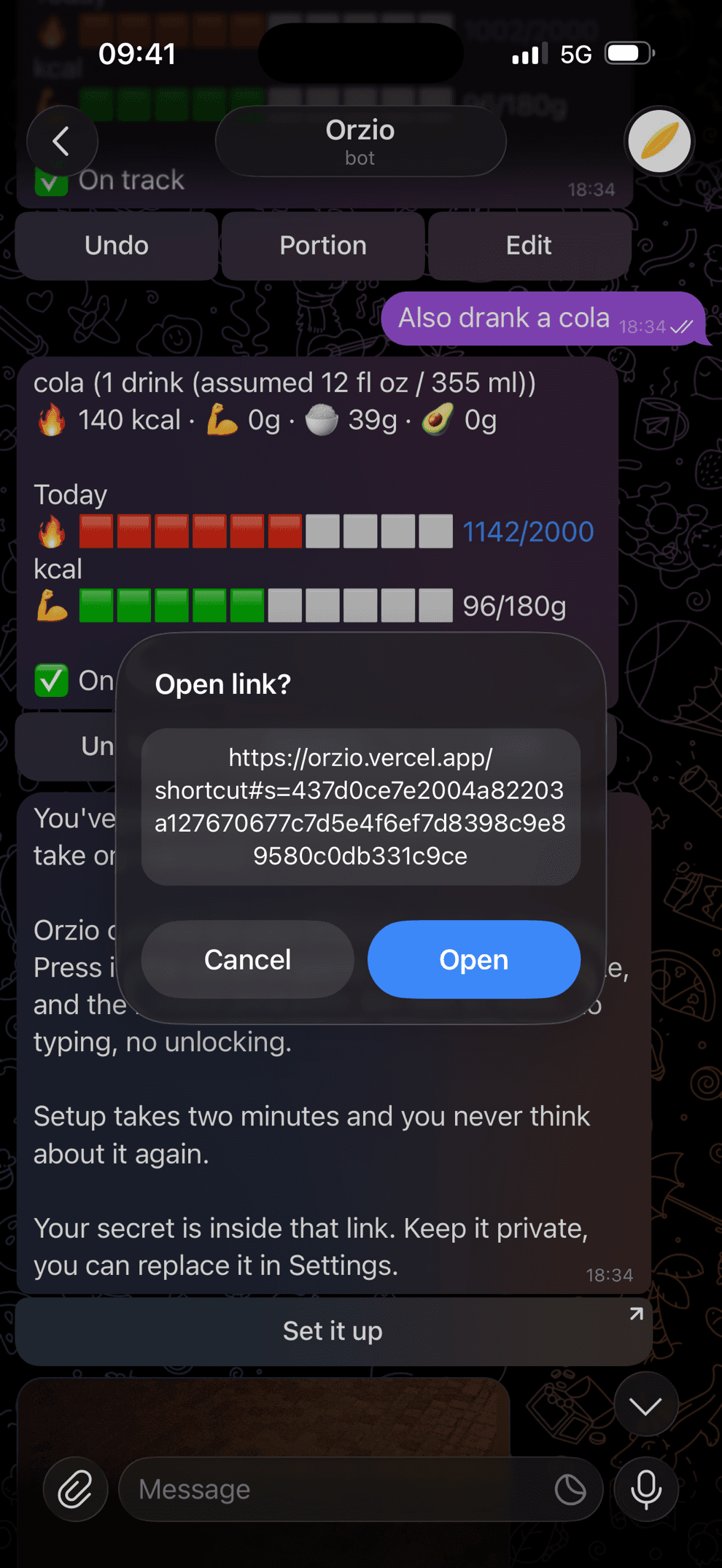
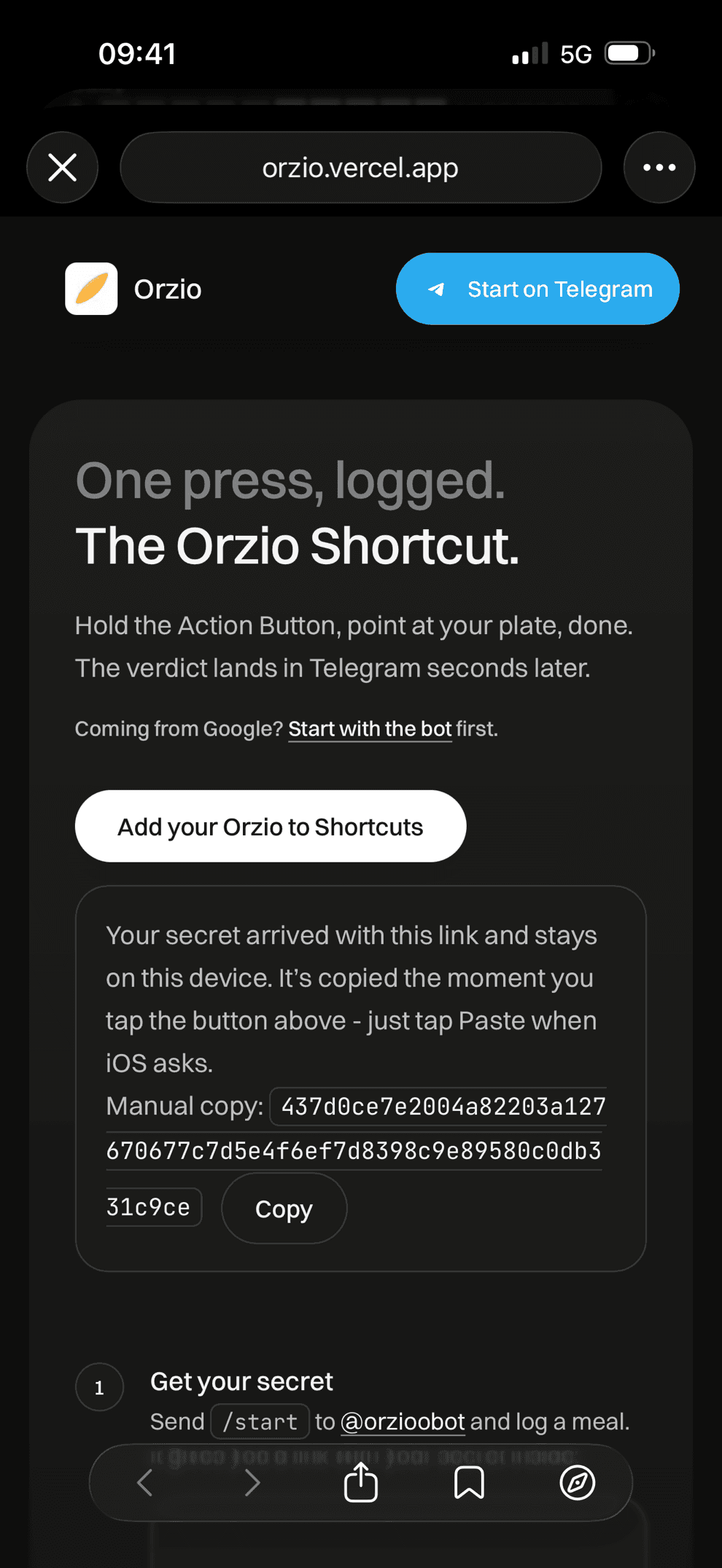
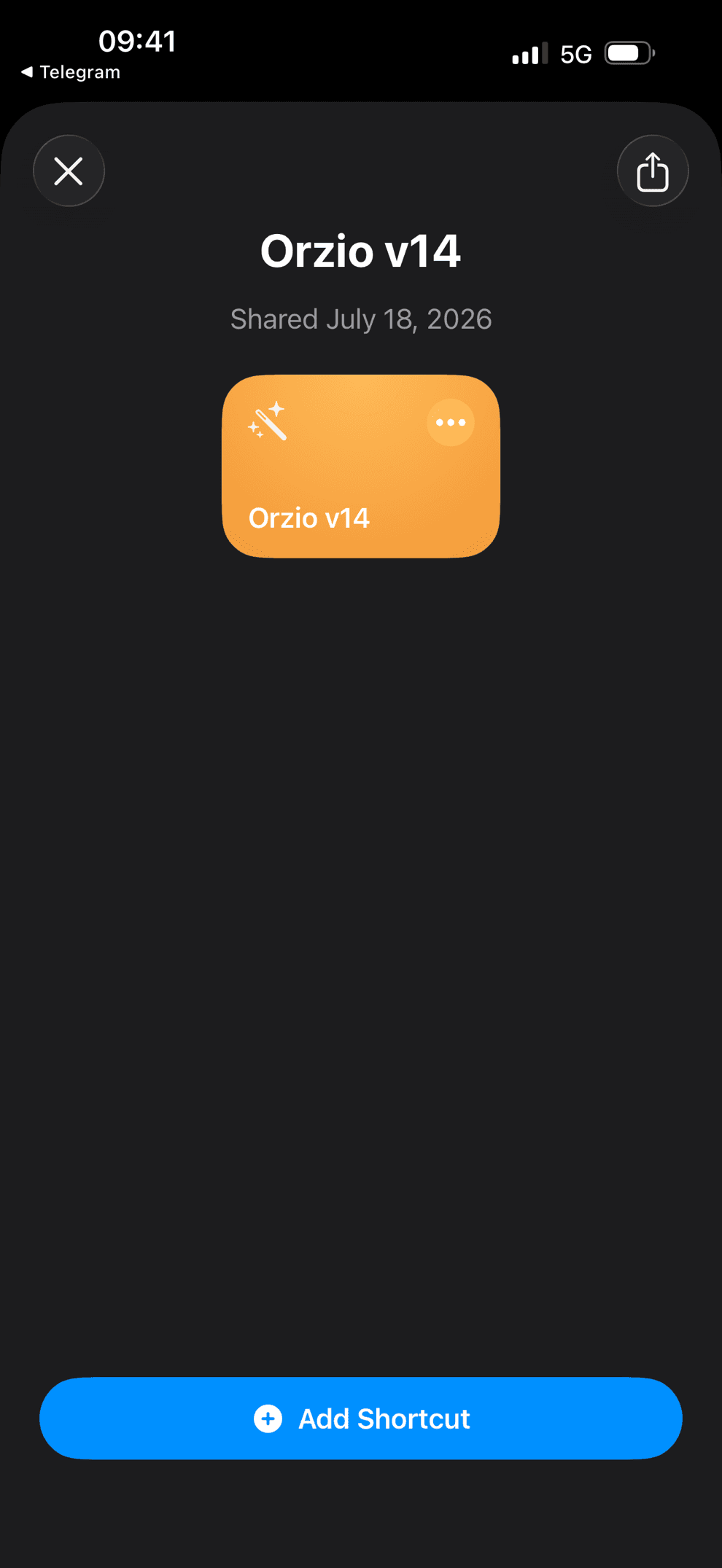
- 2InstallOpen the link. It brings you here with your secret ready, tap Add your Orzio to Shortcuts, then Add Shortcut.
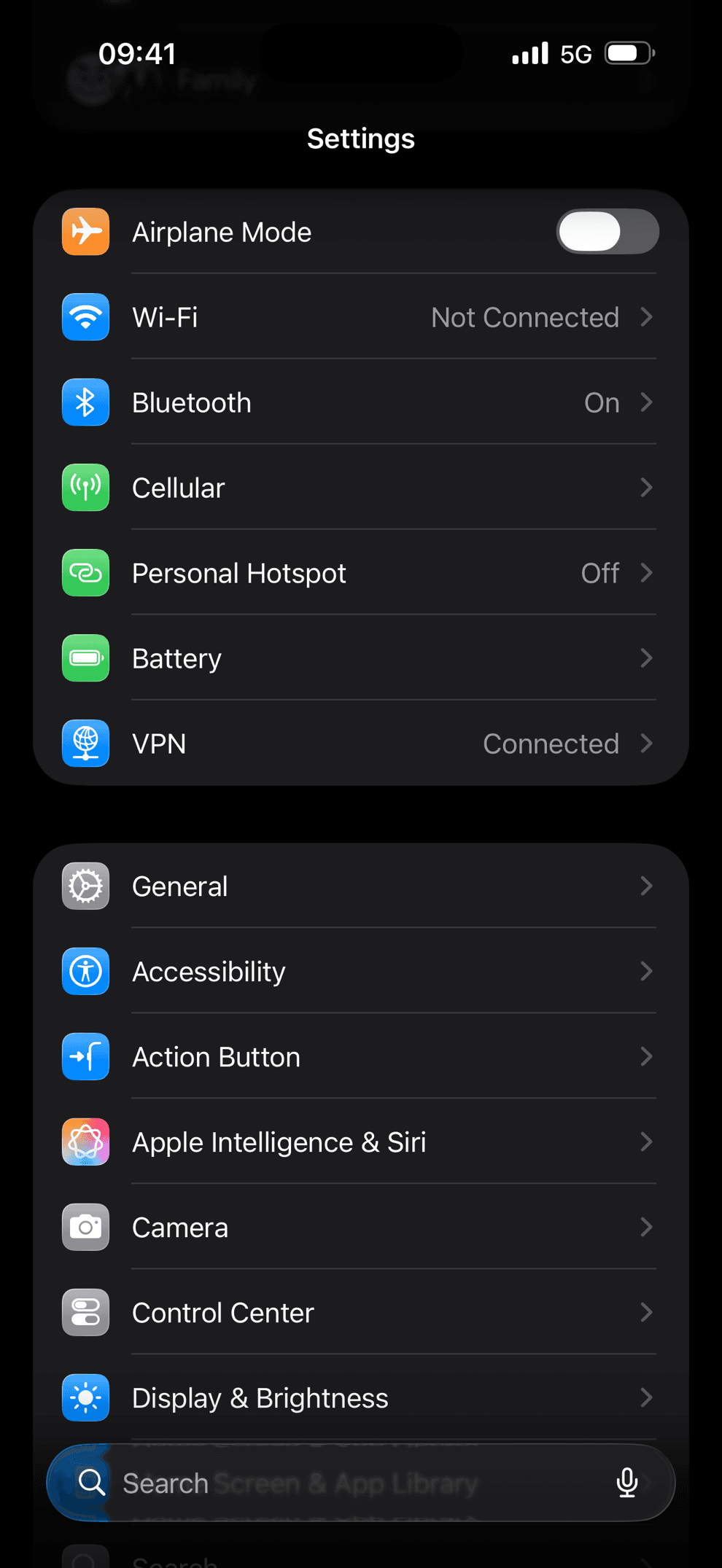
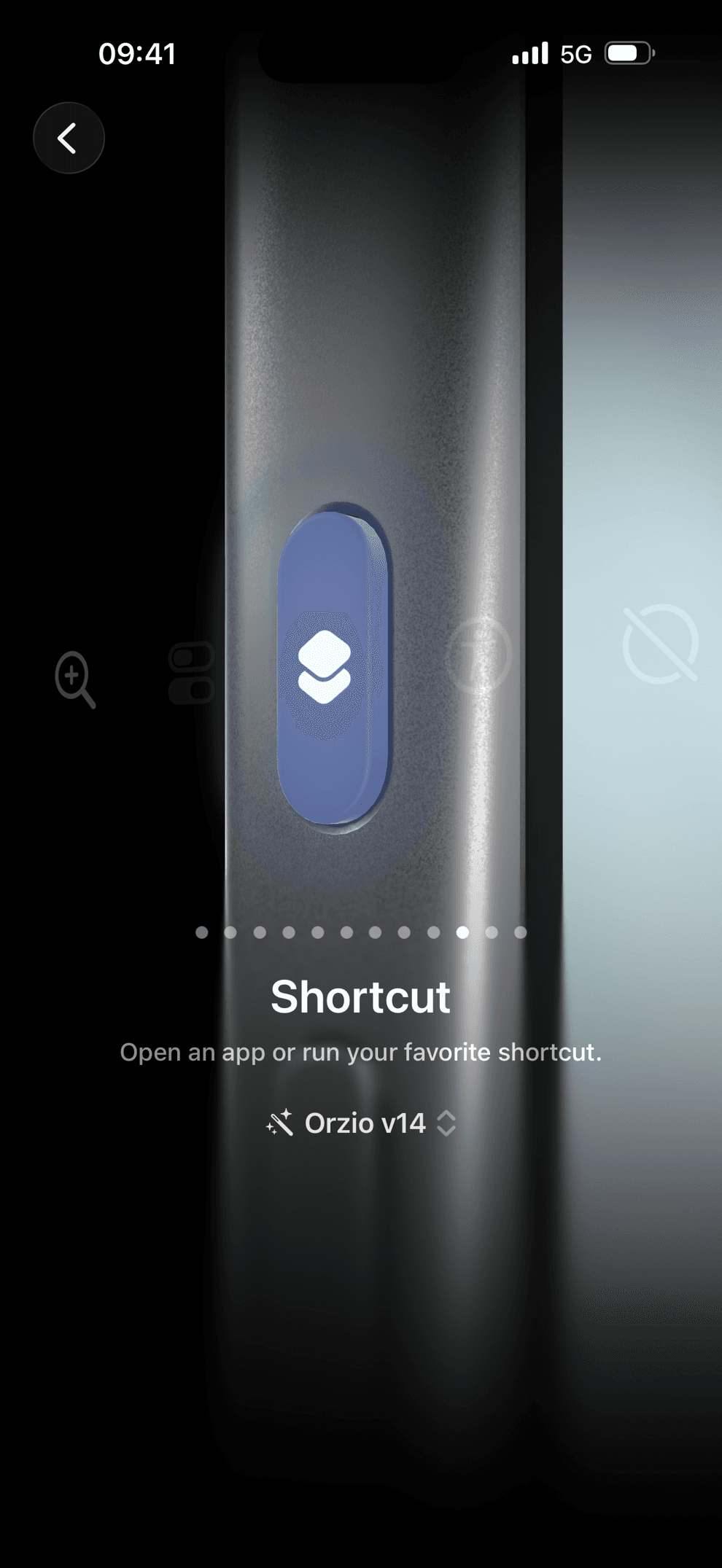
- 3Put it on the Action ButtoniPhone Settings → Action Button, swipe to Shortcut, pick Orzio.
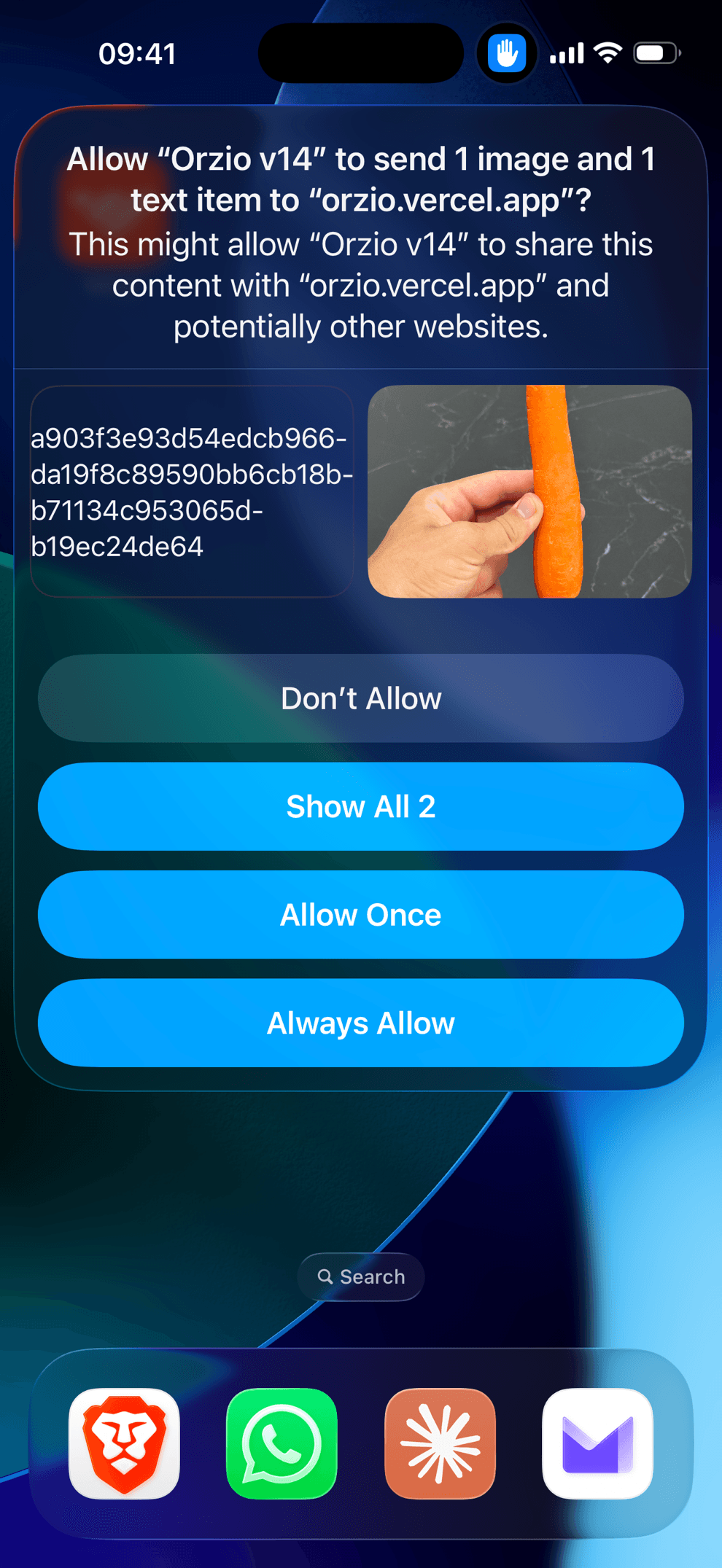
- 4Run it once, allow itHold the Action Button and snap your plate. On this first run iOS asks for camera access and to send the photo to orzio.vercel.app, tap Always Allow so it never asks again.
Two modes: Photo detects plates, nutrition labels and barcodes automatically. Barcode scans a code directly.
Something not working?
- Got a file download instead of the install sheet? Open the downloaded file - you land in the same sheet. If the secret field is empty, paste it manually.
- Installed an older copy before? Add the new one, remove the old, and re-pick Orzio on your Action Button (iOS points it at the specific copy you chose).
- Want the real icon on your Home Screen? In Shortcuts, tap ⓘ on Orzio → Add to Home Screen → Choose Photo → pick the logo (long-press to save it: orzio.png).
- On a Mac? The same shortcut runs from the Shortcuts app and menu bar, using the Mac camera.
- No iPhone at hand? Log from this browser instead.